Enable LFS for git to gitlab
2026-08-19
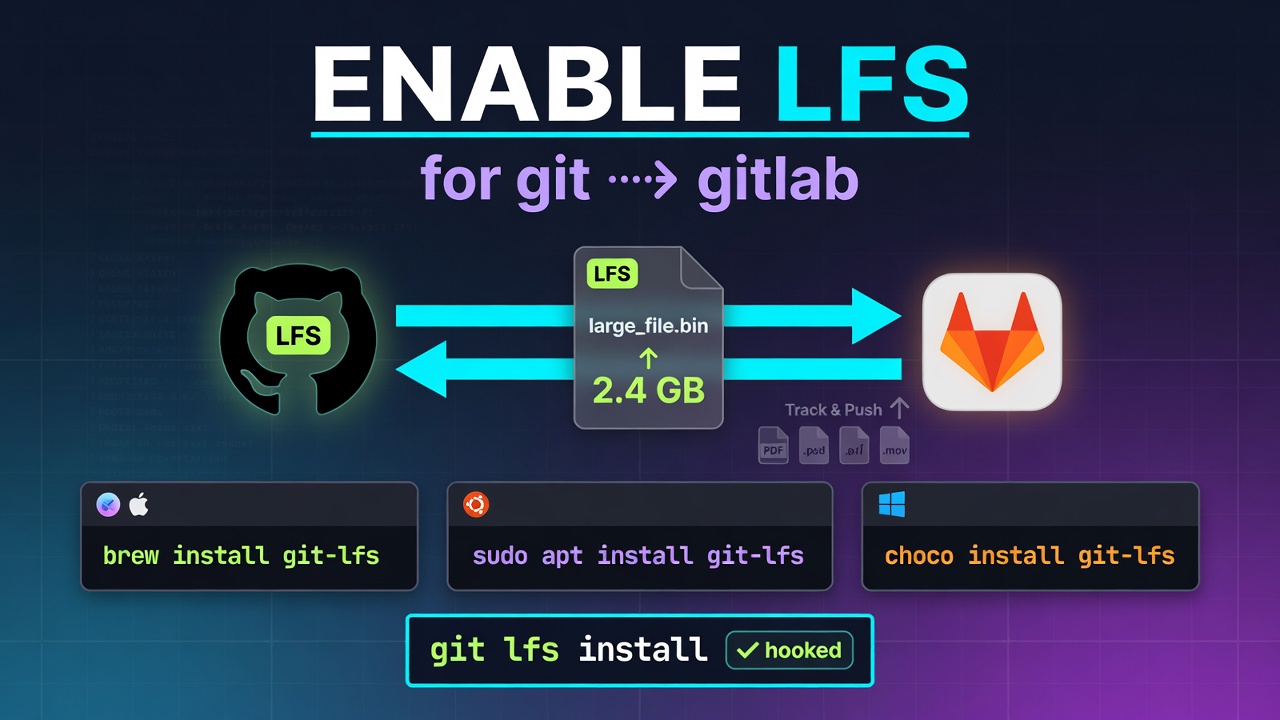
1. Install Git LFS
- macOS (via Homebrew):
brew install git-lfs - Ubuntu / Debian:
sudo apt install git-lfs - Windows (via Chocolatey or standalone installer):PowerShell
choco install git-lfs
2. Initialize Git LFS
Run this command once on your computer to hook it into Git:
Bash
git lfs install
Step 4: Track and Push Large Files in a Repository
To use LFS inside a repository, point Git to the specific file types you want to manage.
- Clone your repository and navigate into it:
git clone [email protected]:group/my-project.git cd my-project - Tell Git LFS which file extensions or patterns to track (e.g.,
.psd,.iso,.zip,.mp4):git lfs track "*.iso"This command automatically creates or updates a.gitattributesfile. - Important: Ensure the
.gitattributesfile is committed to your repository, otherwise collaborators will run into errors cloning LFS files:git add .gitattributesgit commit -m "Configure Git LFS tracking" - Add, commit, and push your large files as you normally would with Git:
cp ~/Downloads/large-file.iso ./git add large-file.isogit commit -m "Add large file via Git LFS"git push origin main
You will see output indicating that Git LFS is uploading the binary blobs separately from the standard Git commit metadata.