Backup and restore gitlab ce running in docker
2025-11-22
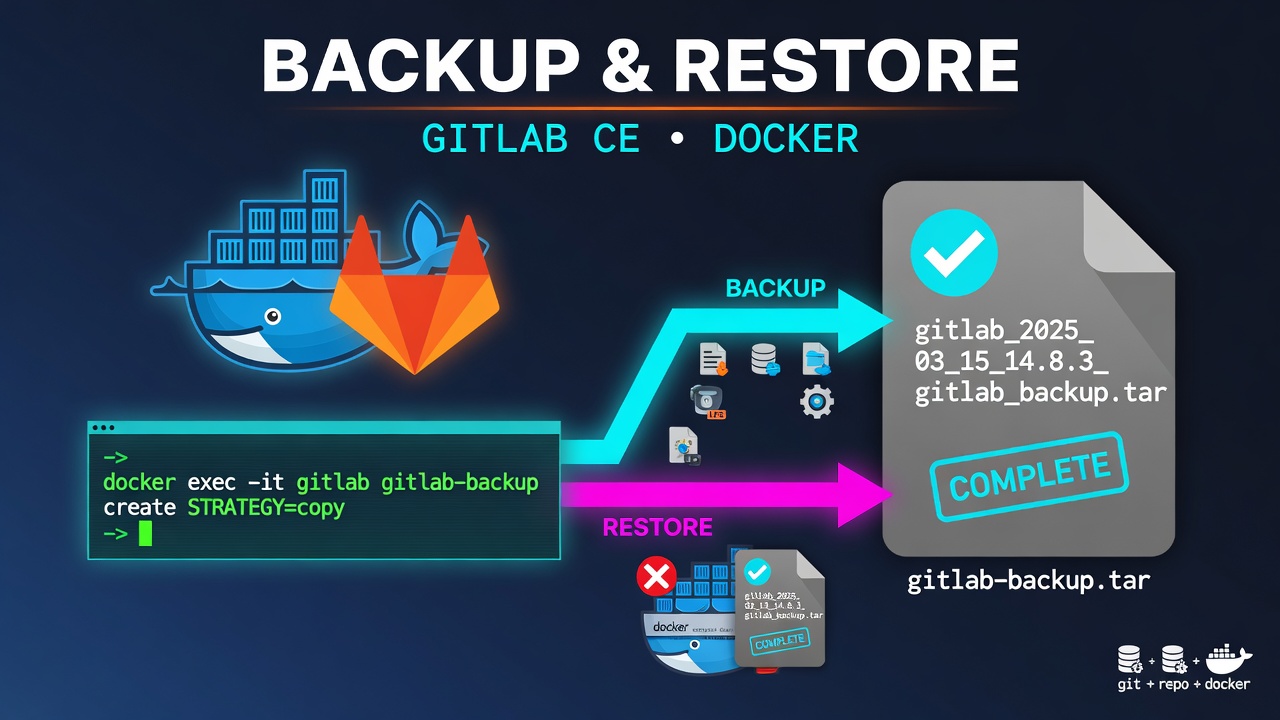
Backup
docker exec -it gitlab gitlab-backup create STRATEGY=copy
This creates a single .tar file that contains everything: repositories, database, uploads, builds, artifacts, LFS, registry, pages, etc. The backup file is saved inside the container at $GITLAB_HOME/data/backups
Restore
# 1. Stop GitLab
docker compose down

# 2. Put the .tar file into $GITLAB_HOME/data/backups/

# 3. Restore
docker exec -it gitlab gitlab-backup restore BACKUP=1732301234_2025_11_22_18.6.0

# 4. Start again
docker compose up -d