Microphase, run linux tutorial
2026-09-13
!!! This is not the perfect guide, during the compilation it got errors, ask gemini. https://share.gemini.google/bFyDzMtkYZVk
Step 1: Install Tools
Step 1: Install Vitis (it has Vivado)
Step 2: Install petalinux https://www.amd.com/en/products/software/adaptive-socs-and-fpgas/embedded-software/petalinux-sdk.html
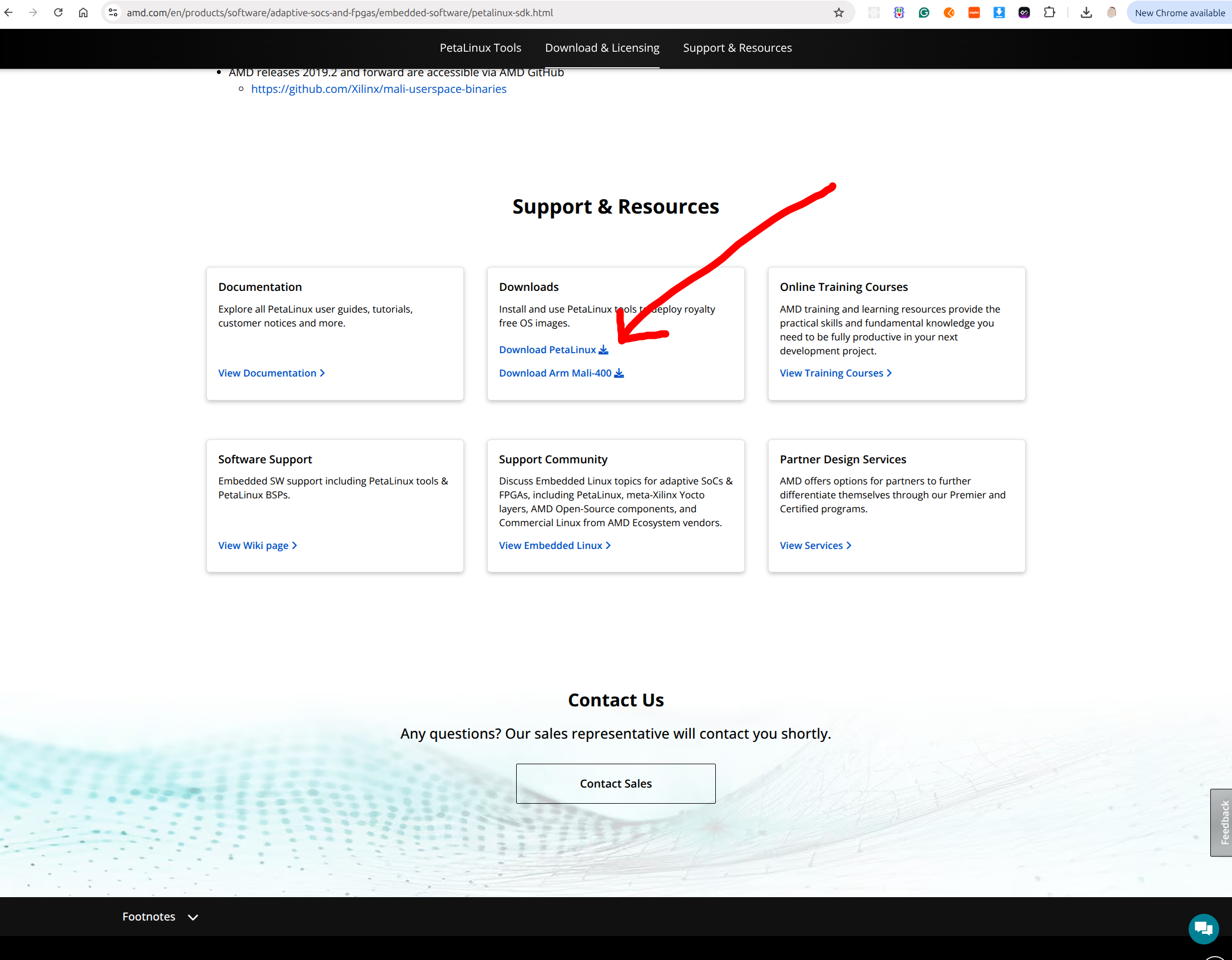
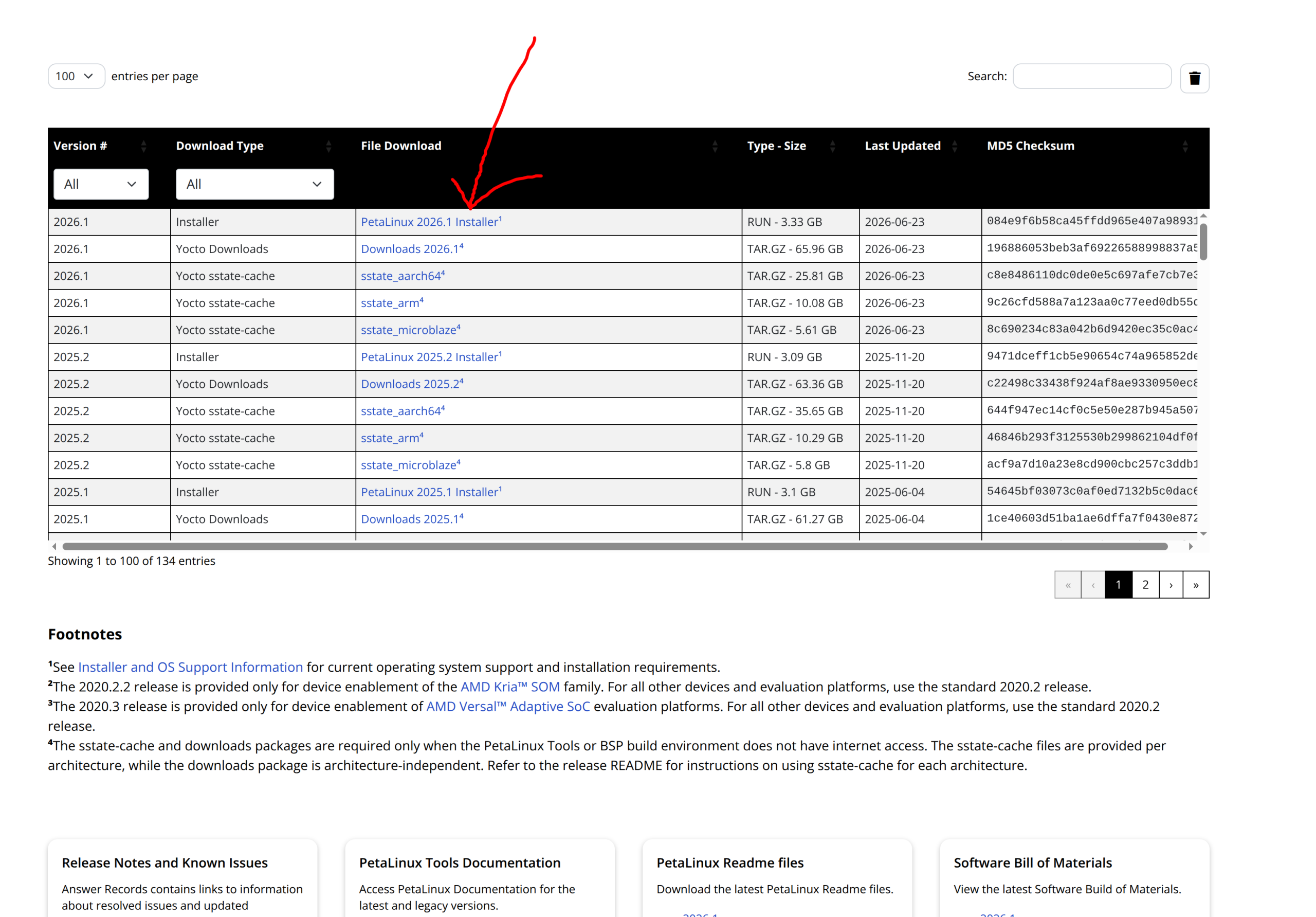
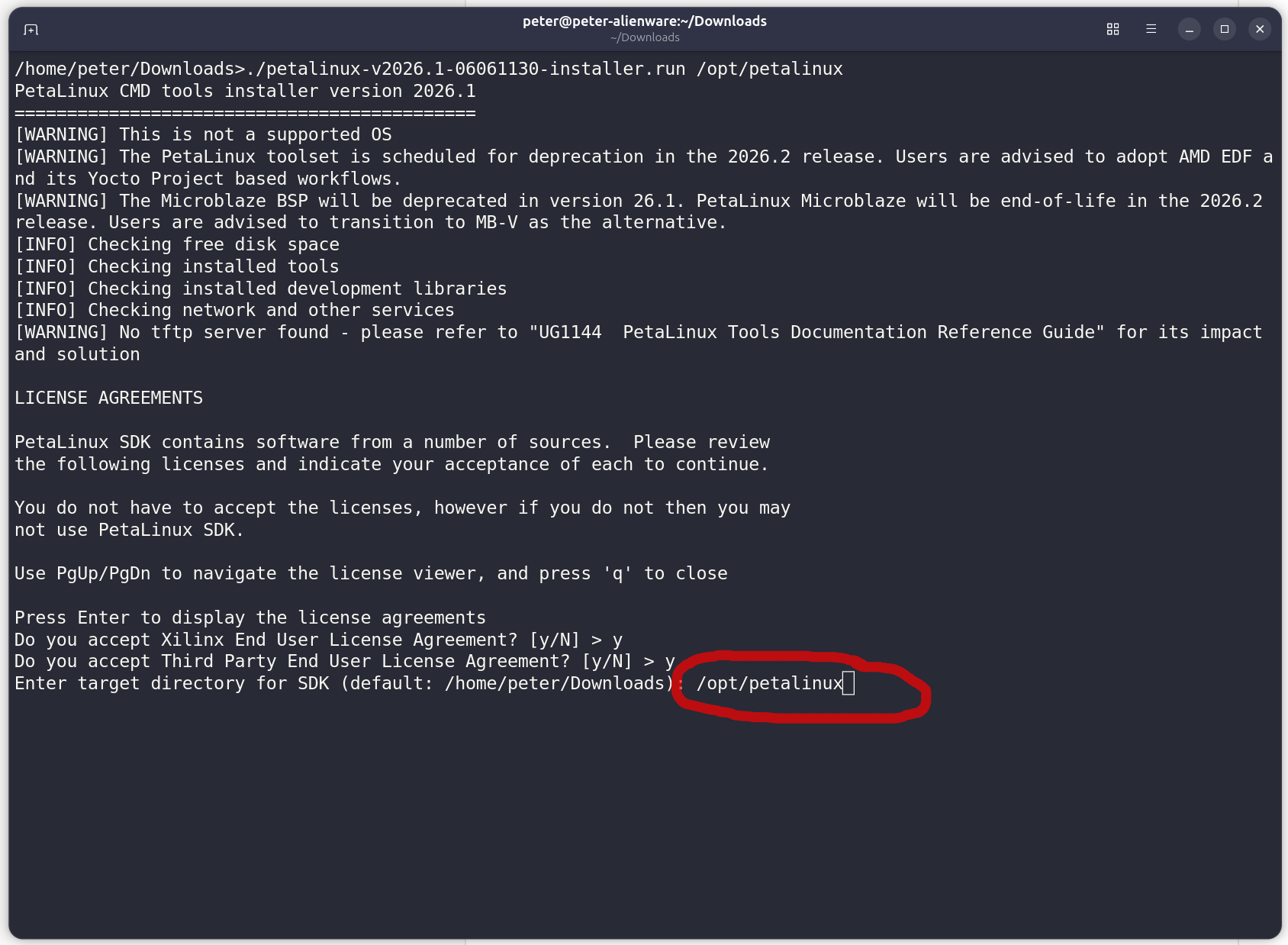
chmod+x petalinux-v20XX.X-final-installer.run
./petalinux-v20XX.X-final-installer.run
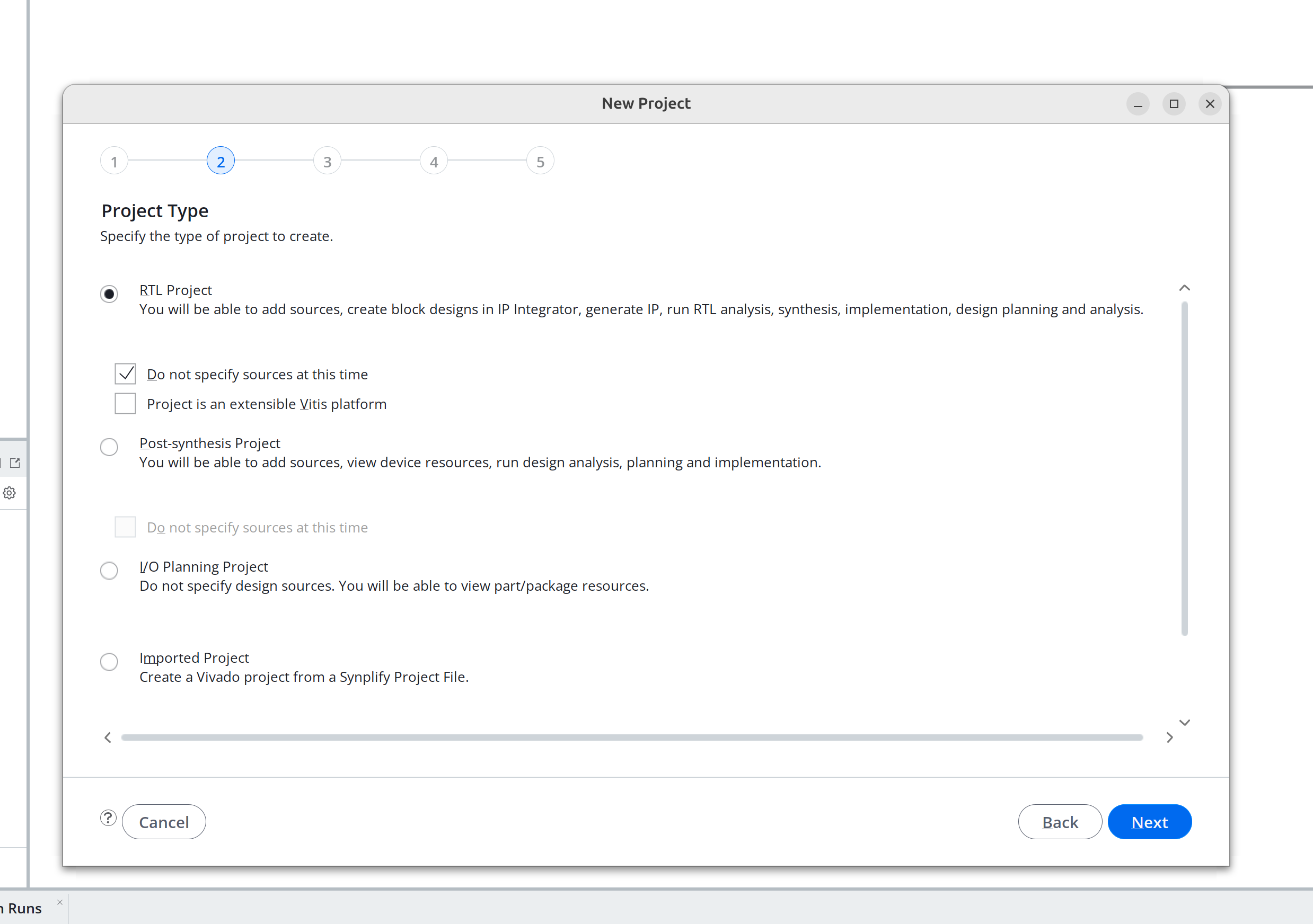
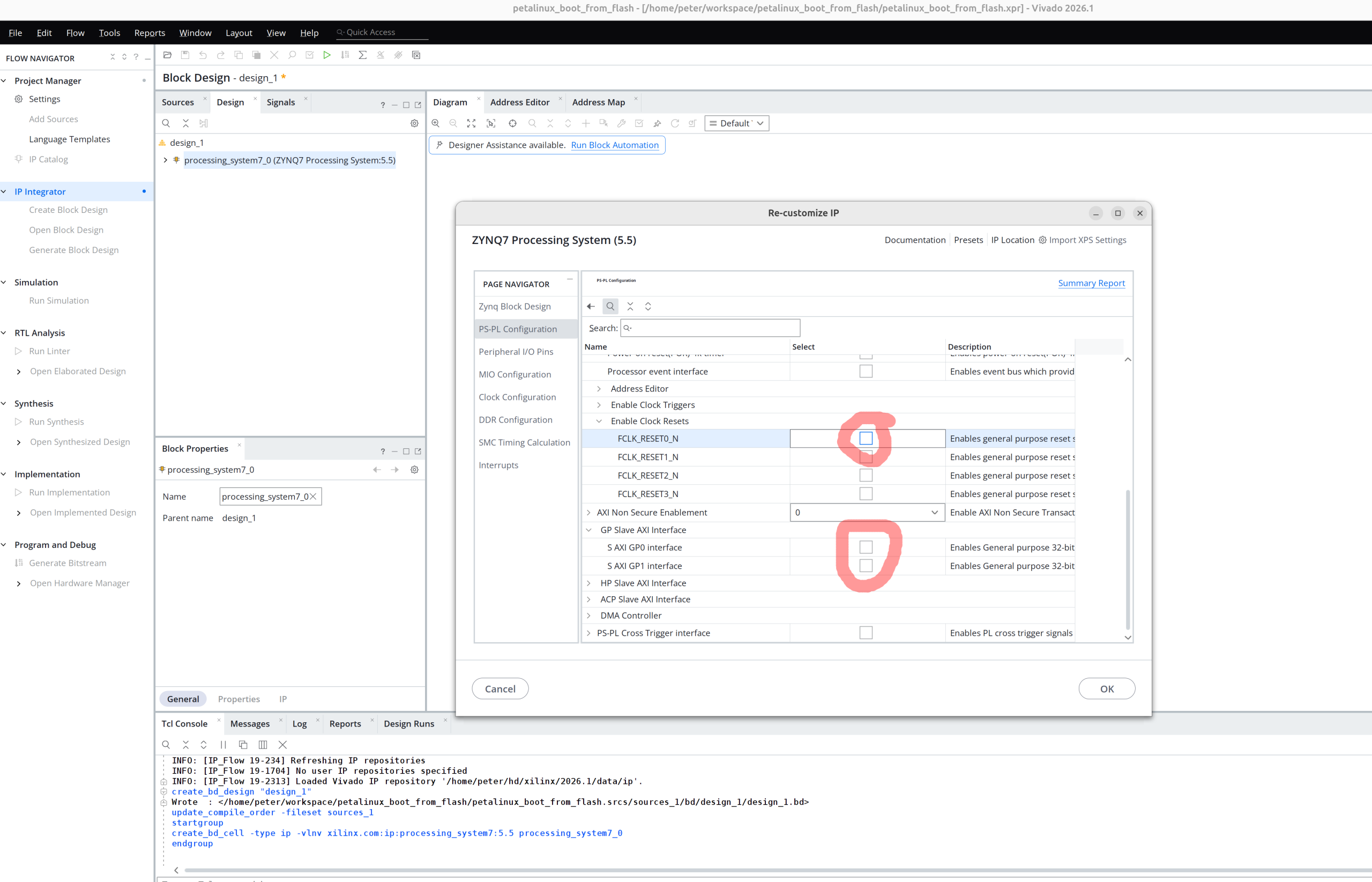
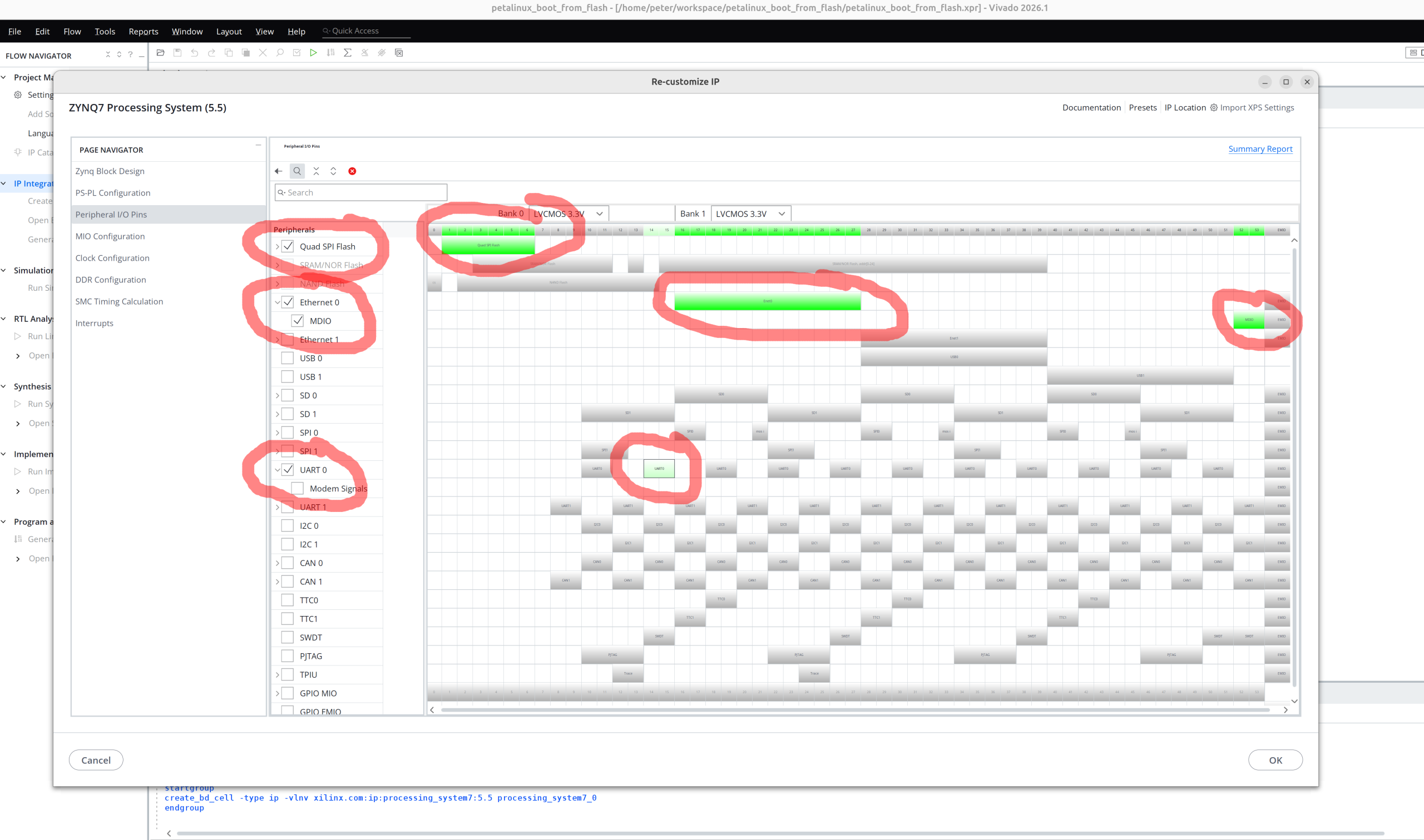
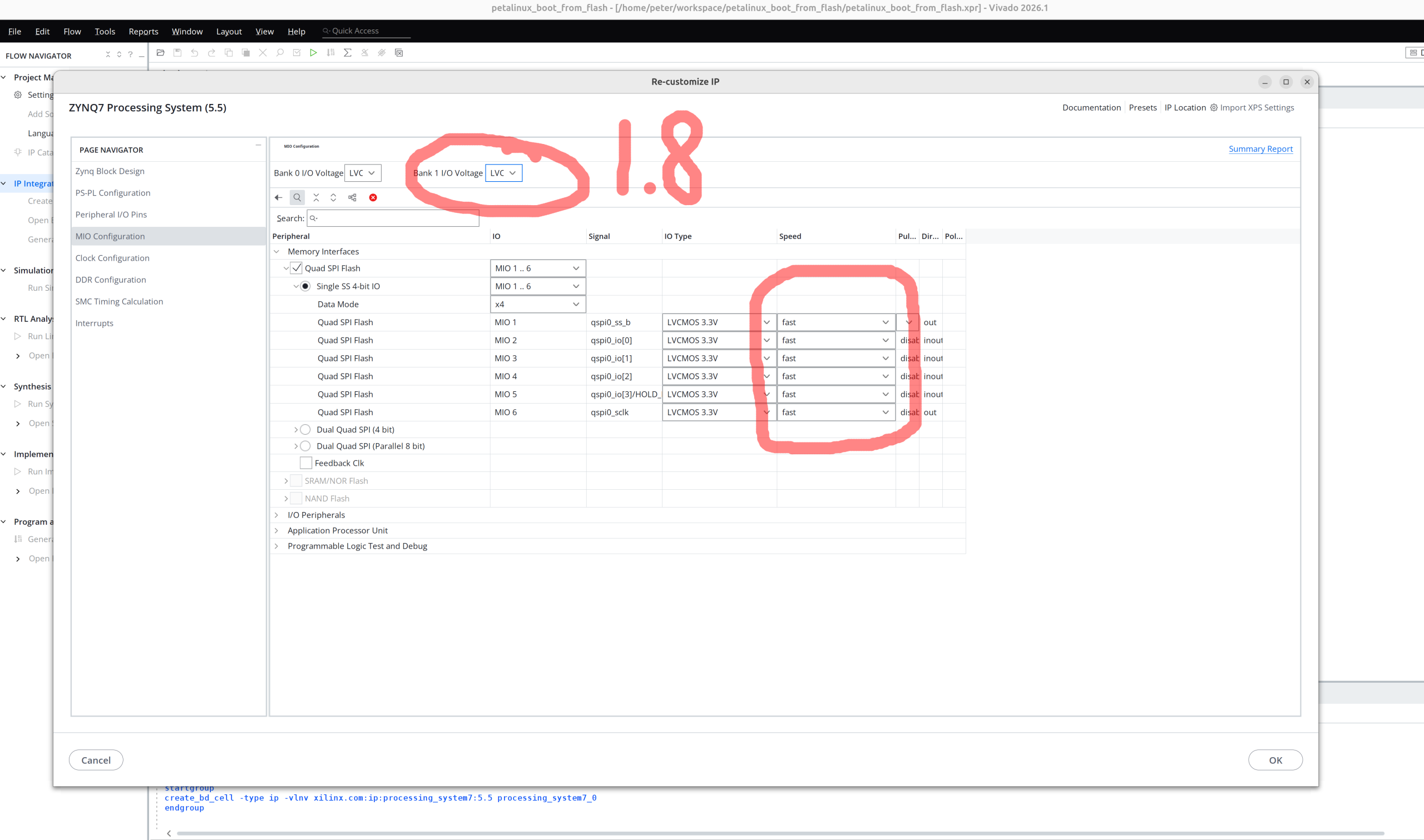
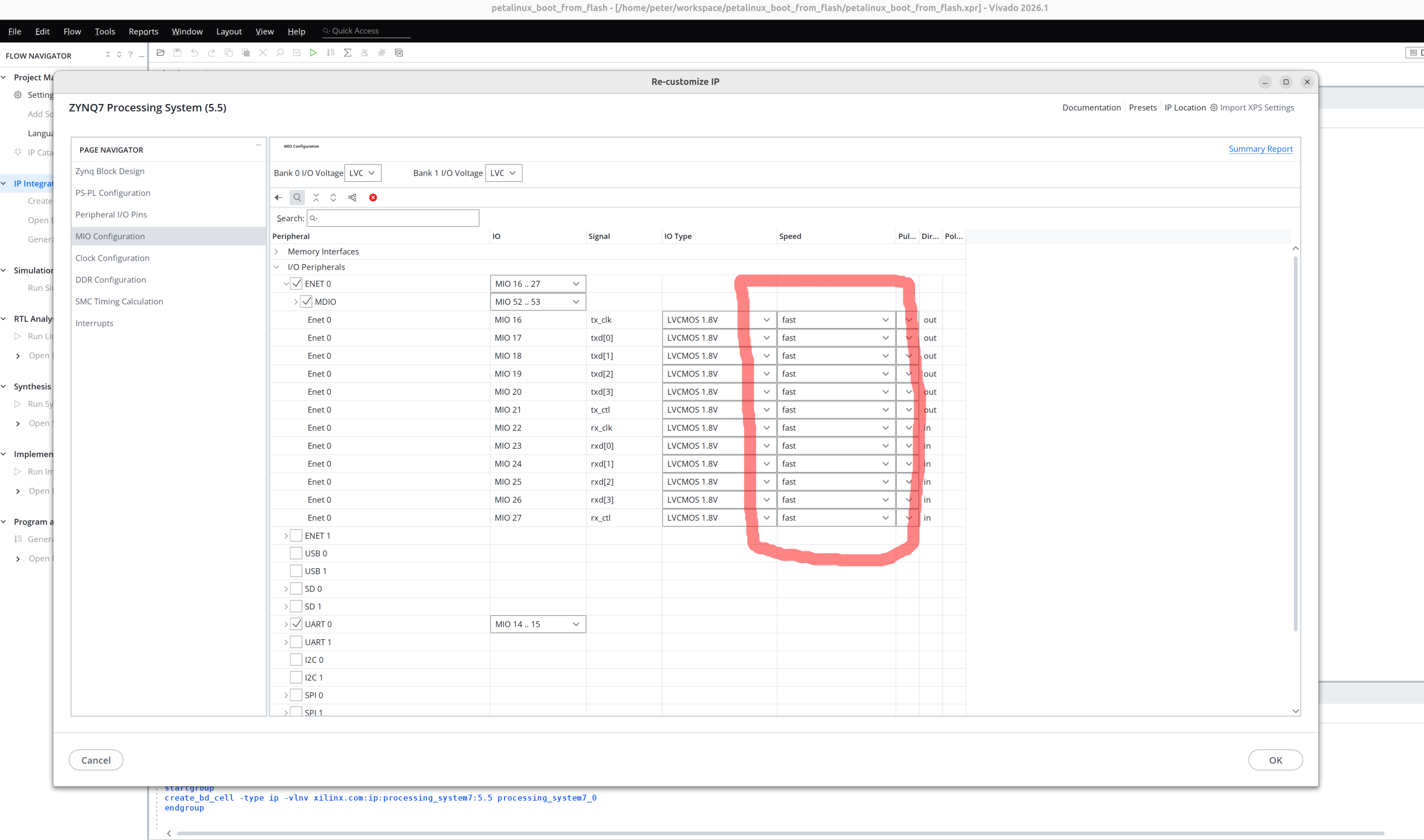
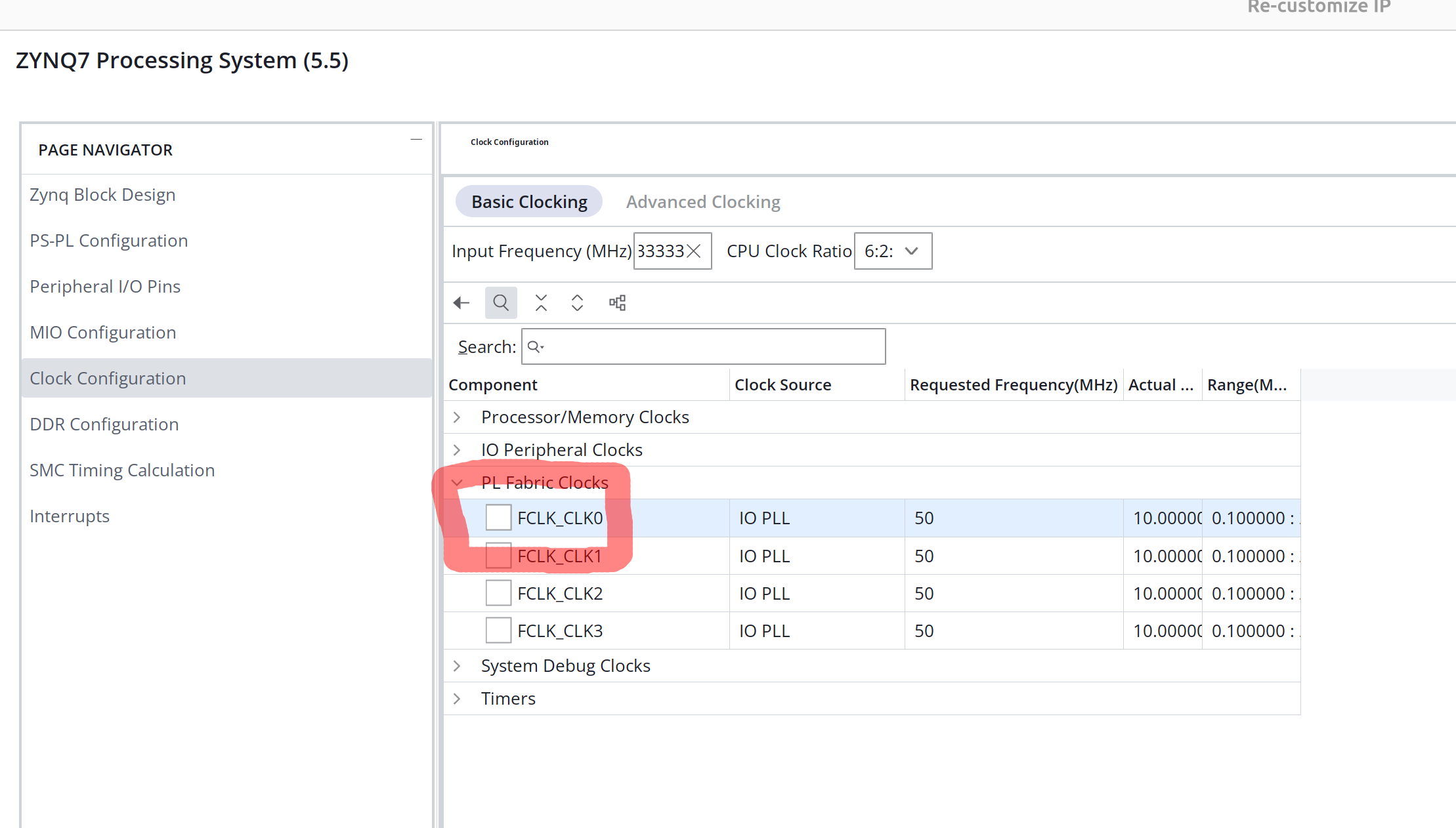
Open Vivado and create project
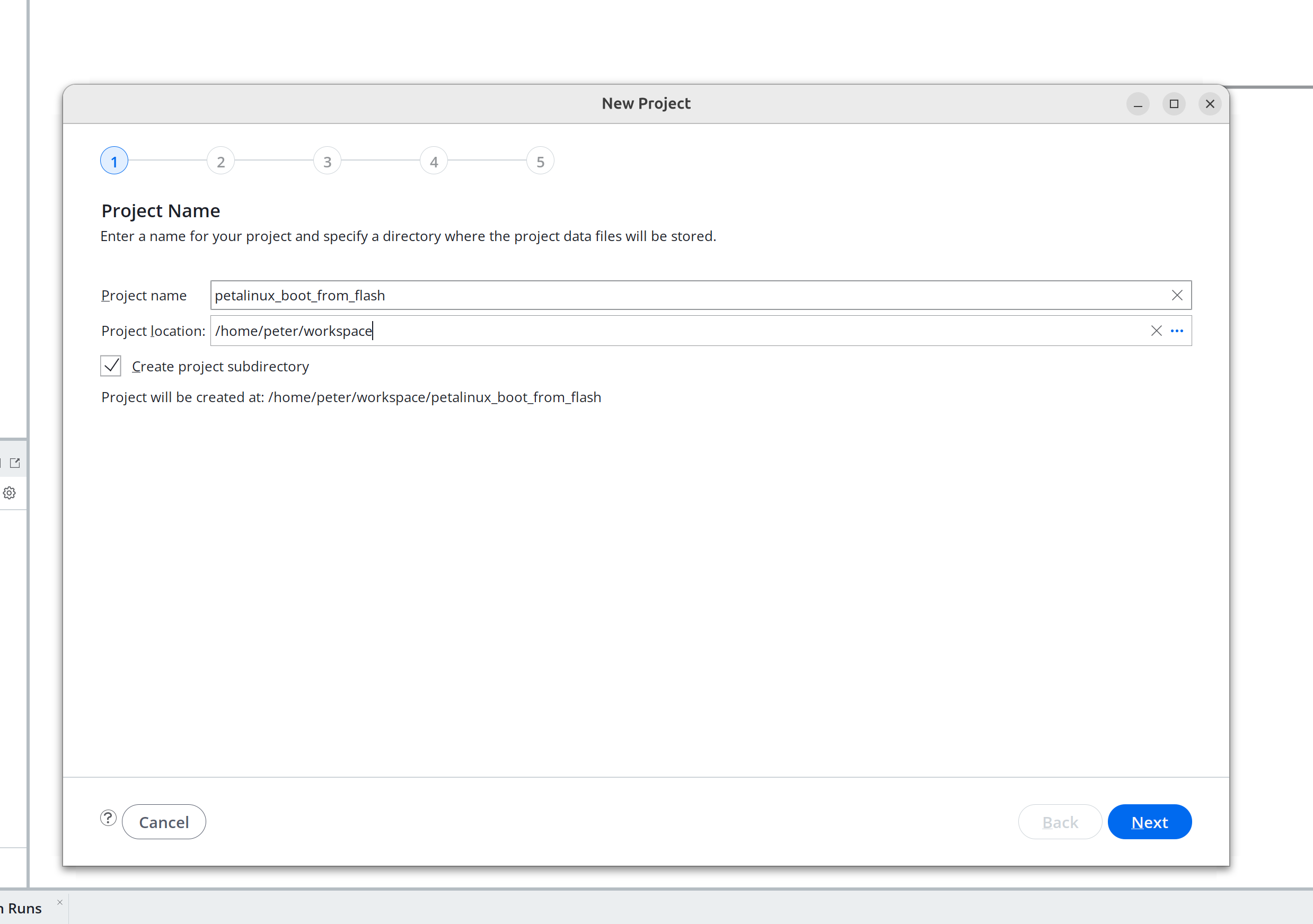
Project name : petalinux_boot_from_flash_vivado
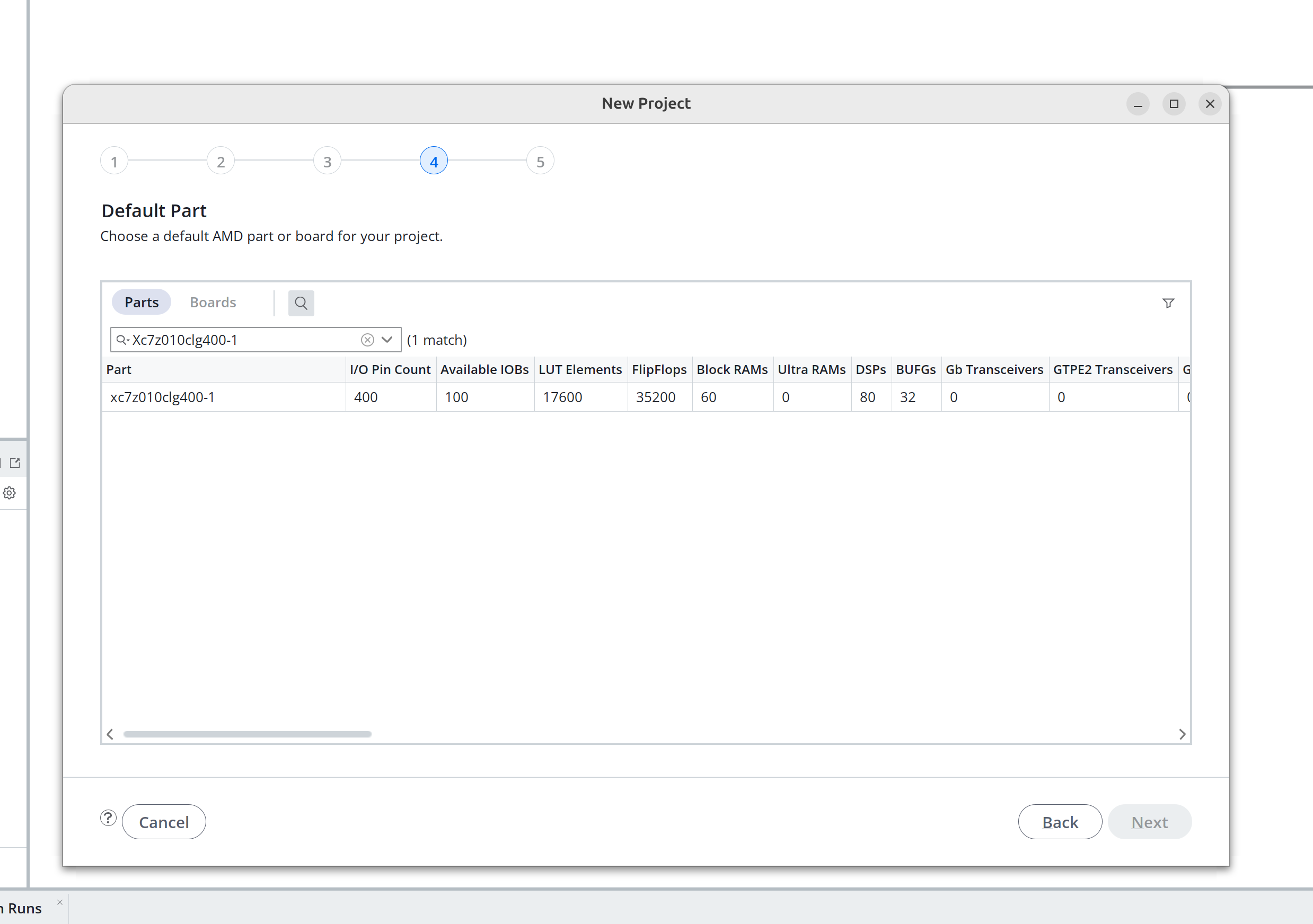
Choose: XC7Z020CLG400-2
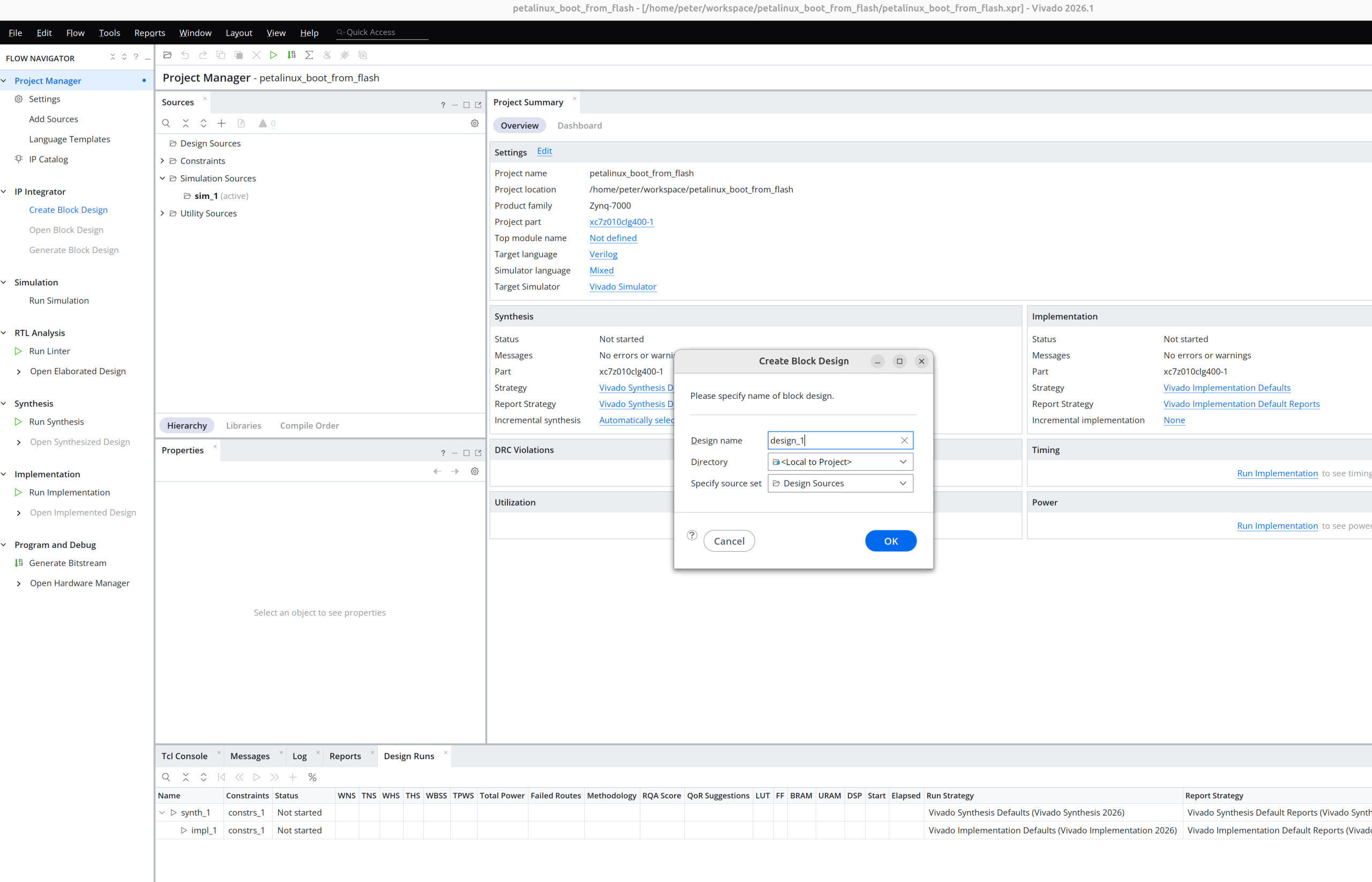
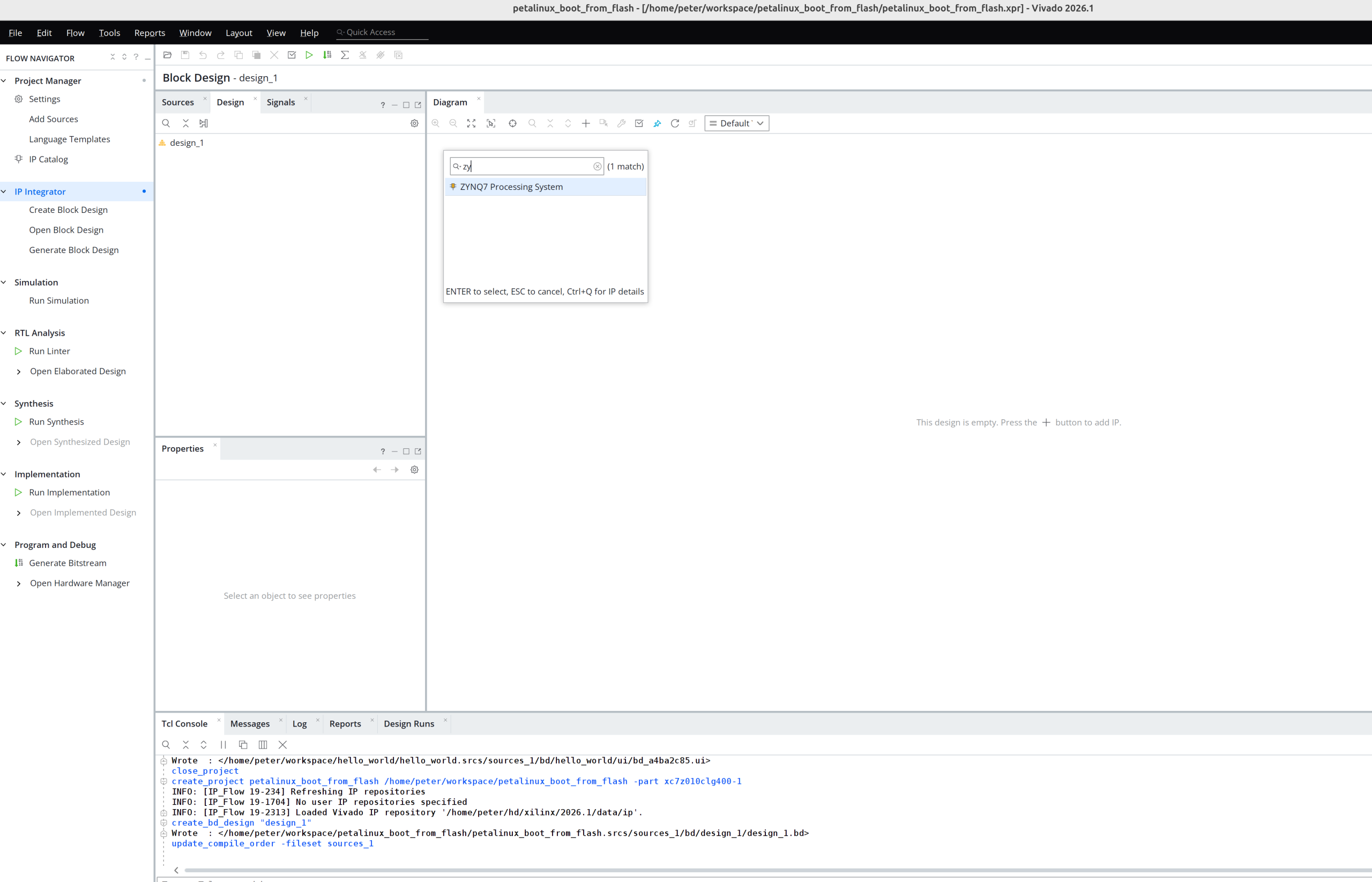
petalinux-package --boot --fsbl images/linux/zynq_fsbl.elf --u-boot images/linux/u-boot.elf --force
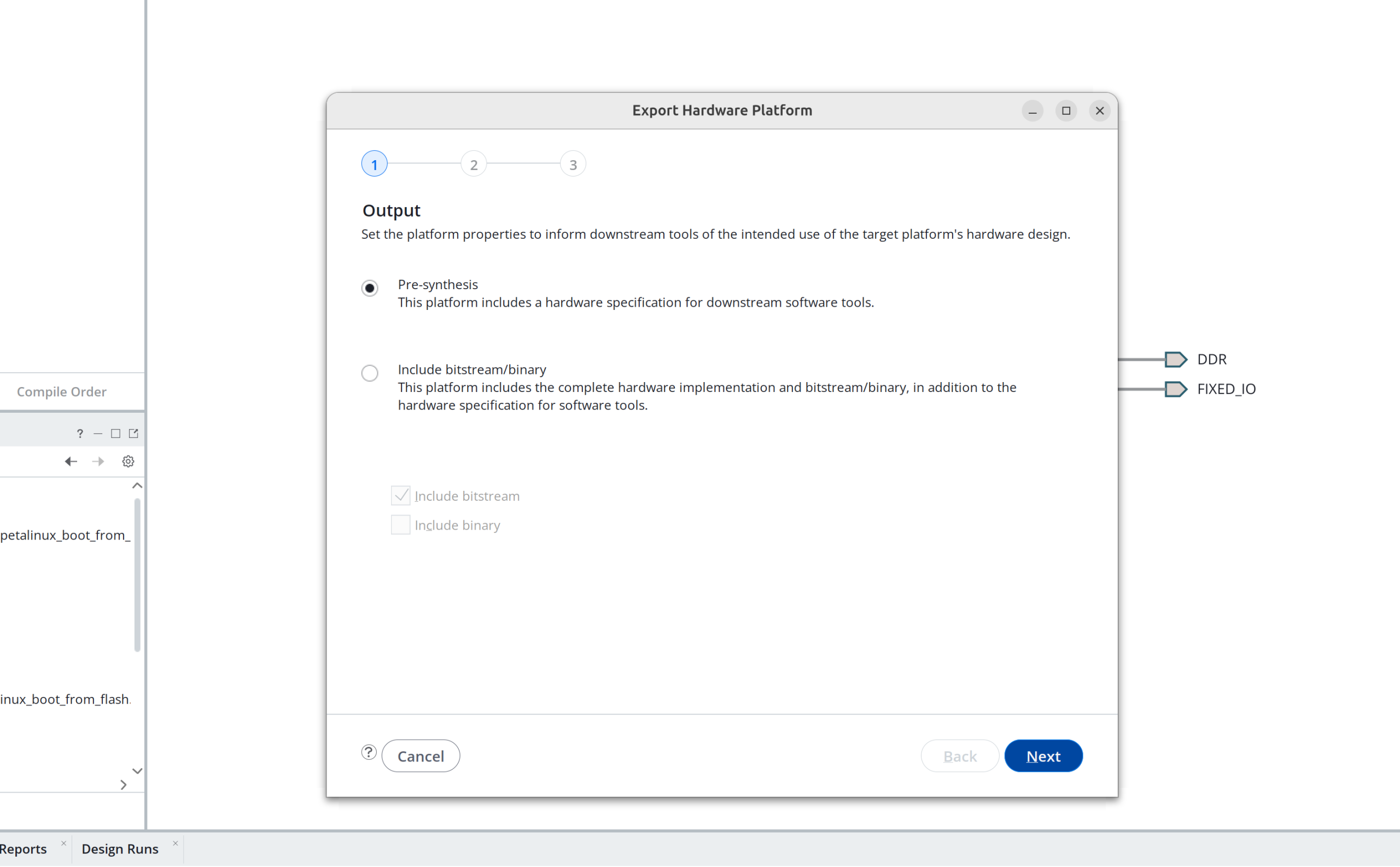
Step 2: Build the image using petalinux
source /opt/petalinux/settings.sh
petalinux-create --type project --template zynq --name petalinux_boot_from_flash
cd petalinux_boot_from_flash
find .. -name "*.xsa"
cp ../petalinux_boot_from_flash_vivado/design_1_wrapper.xsa .
petalinux-config --get-hw-description=.
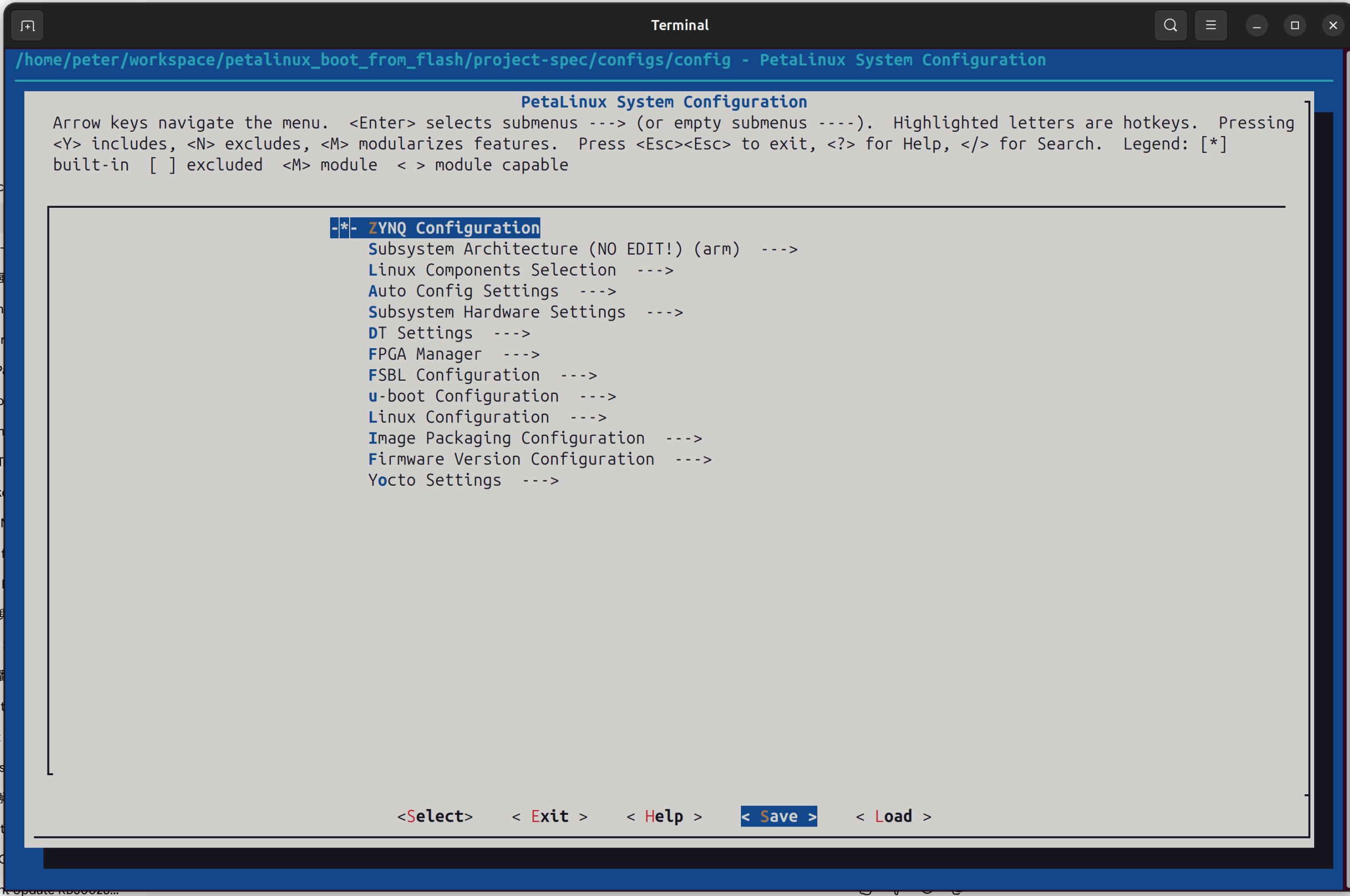
(Just save and exit)
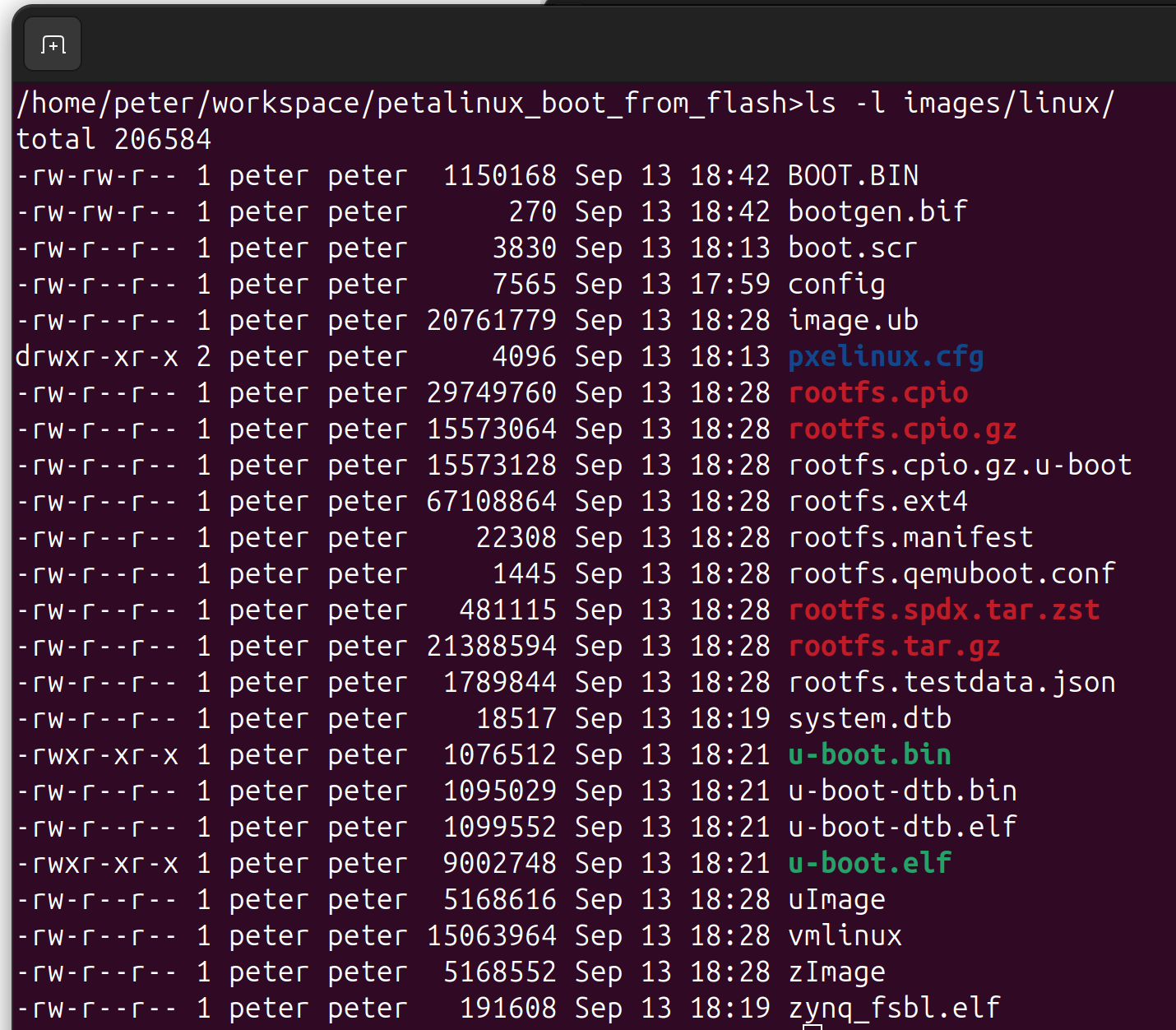
petalinux-package --boot --fsbl images/linux/zynq_fsbl.elf --u-boot images/linux/u-boot.elf --force
now you got BOOT.BIN
~/xilinx/2026.1/Vitis/bin/program_flash -f images/linux/BOOT.BIN \
       -offset 0x0 \
       -fsbl images/linux/zynq_fsbl.elf \
       -flash_type qspi_single \
       -verify \
       -url tcp:localhost:3121