How to start development of risc-v simulator
2026-08-02
Tested in mac m5
Step 1: Qemu. First test the default qemu, then modify in step 3
git clone [email protected]:qemu/qemu.git

export PATH="$(brew --prefix bison)/bin:$PATH"
export PKG_CONFIG_PATH="$(brew --prefix glib)/lib/pkgconfig:$PKG_CONFIG_PATH"

# ./configure --extra-cflags="-I/opt/homebrew/opt/libiconv/include -I/usr/local/include" --extra-ldflags="-L/opt/homebrew/opt/libiconv/lib -L/usr/local/lib" --target-list=riscv64-softmmu --enable-plugins

./configure --extra-cflags="-I$(brew --prefix libiconv)/include -I/usr/local/include" --extra-ldflags="-L$(brew --prefix libiconv)/lib -L/usr/local/lib" --target-list=riscv64-softmmu --enable-plugins

make -j
sudo make install
Step 2: xv6-riscv
brew install riscv64-elf-gcc riscv64-elf-binutils riscv64-elf-gdb
git clone [email protected]:mit-pdos/xv6-riscv.git
make -j
make qemu
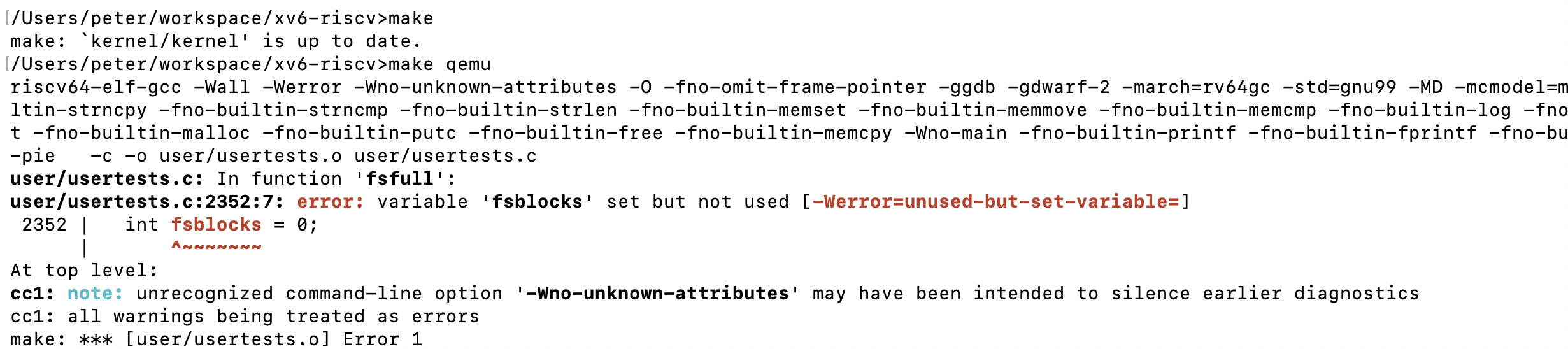
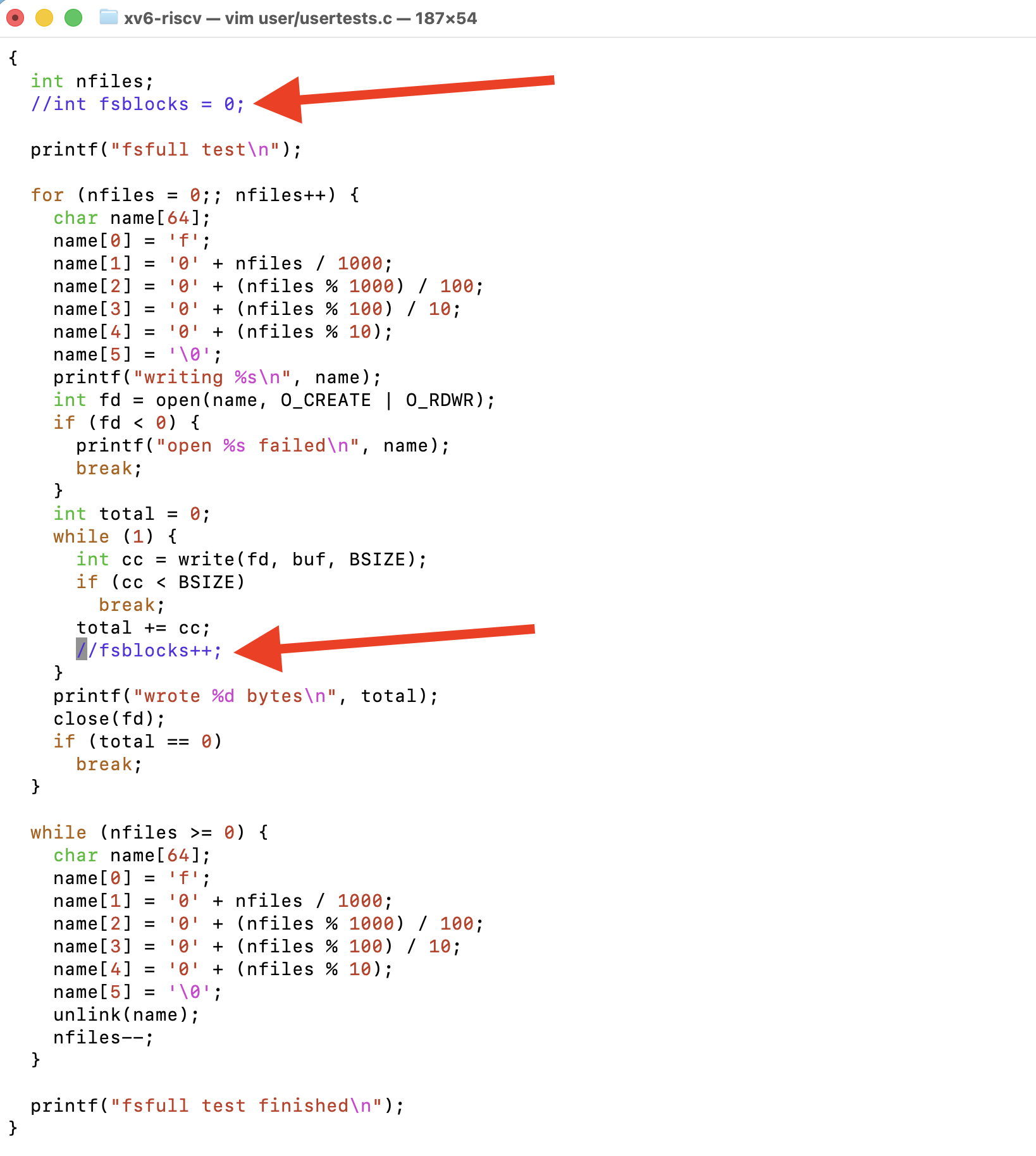
If you meet this, comment the variable out
Step 3: modify the qemu
follow this https://www.quantr.foundation/project/?project=QEMU%20Log%20Panel