Tutorial build micropython for WEACT_F411_BLACKPILL
2025-06-07
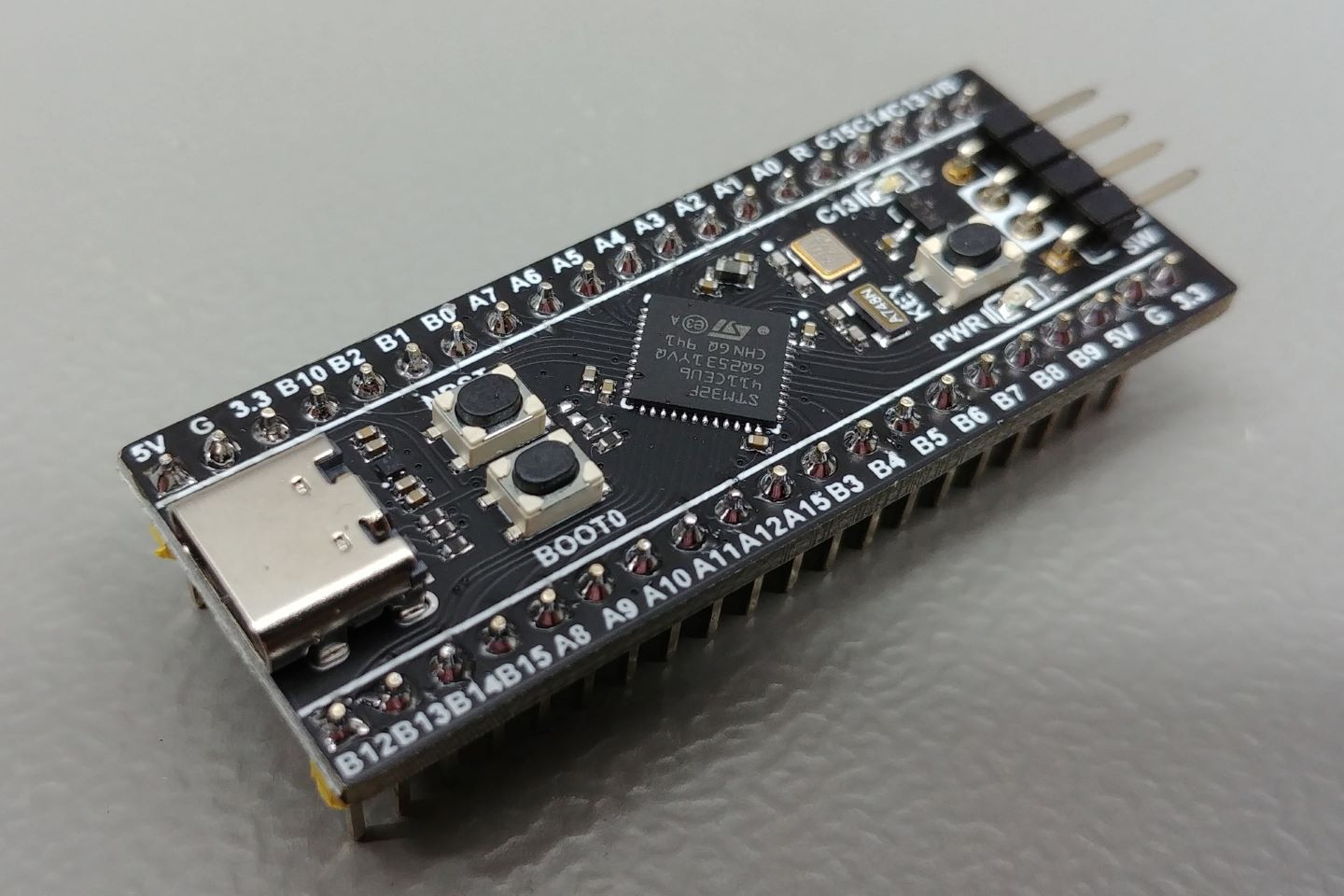
- git clone https://github.com/micropython/micropython.git
- cd micropython
- docker run -it -v .:/micropython --name micropython ubuntu
- export DEBIAN_FRONTEND=noninteractive
- apt-get update
- apt-get install -y gcc g++ make automake python3 git gcc-arm-none-eabi
- ln -s /usr/bin/python3 /usr/bin/python
- cd /micropython/mpy-cross
- make -j
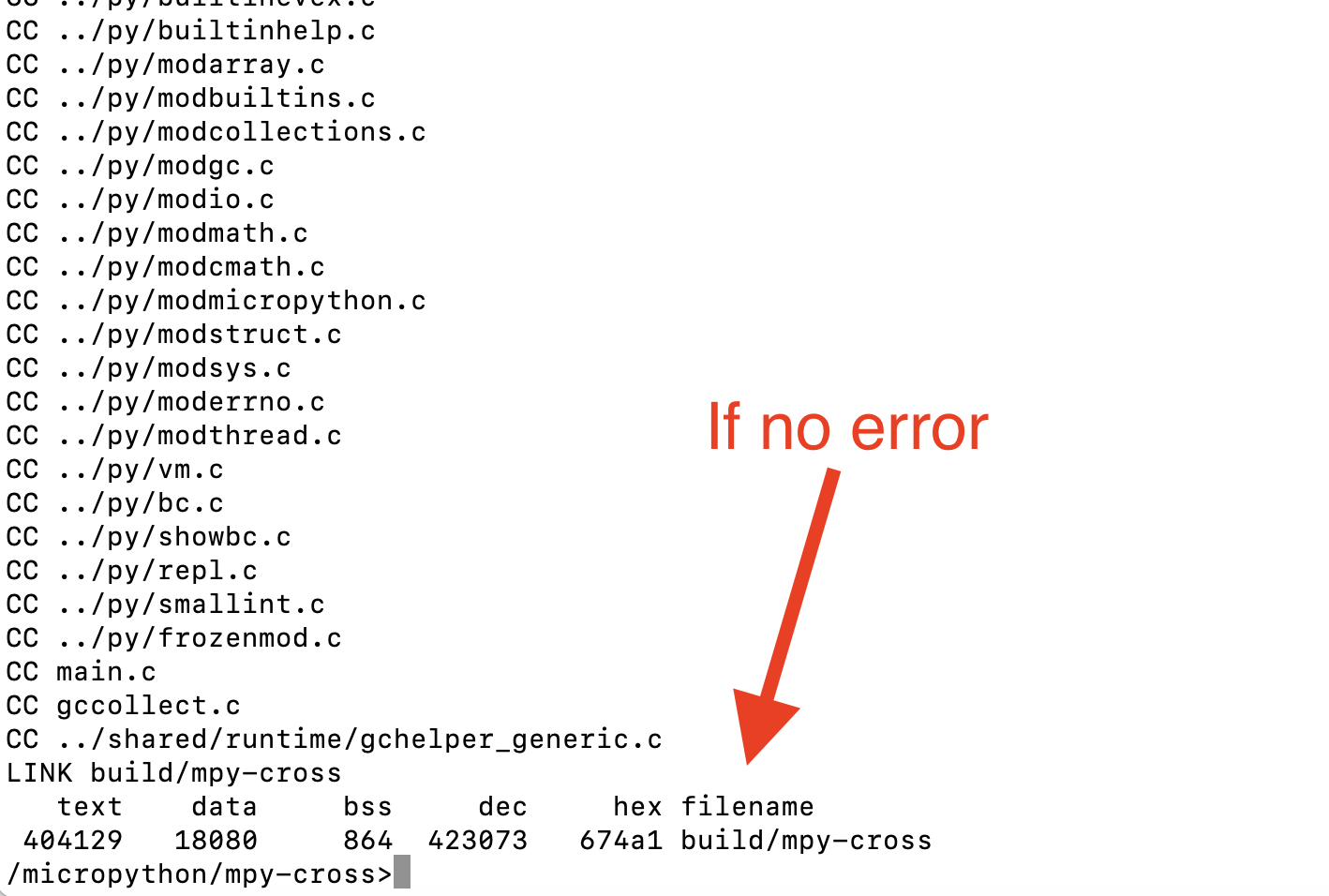
- cd ../ports/stm32
- make BOARD=WEACT_F411_BLACKPILL submodules -j
- make BOARD=WEACT_F411_BLACKPILL -j
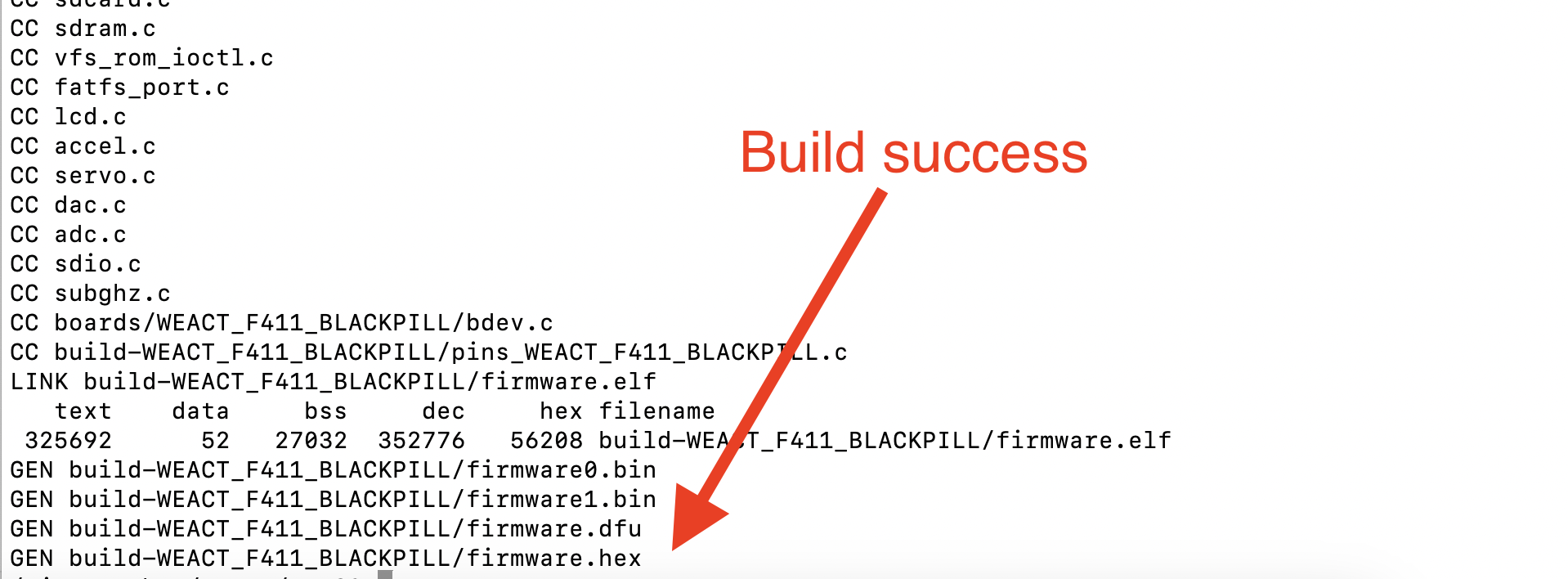
- exit docker
- in mac: brew install stlink
- cd ports/stm32
- st-info --probe
- st-flash erase
- st-flash --format ihex write build-WEACT_F411_BLACKPILL/firmware.hex
using st-flash is better then dfu-util because we don't need to put the board into dfu mode

- pip install mpremote
- mpremote fs ls
- mpremote
- ctrl+] to exit
Micrpython testing example
from machine import Pin
p0 = Pin("C13", Pin.OUT)
p0.value(1)
p0.value(0)
p0.value(1)
p0.value(0)